Your wallet, in your Wallet.
Scan the loyalty and membership cards you carry and add them to Apple Wallet — a whole stack in one sitting. Radically private: nothing ever leaves your phone.
- On-device only
- No sign-in, no tracking
- One-time unlock
/// The problem
A wallet full of plastic you rarely use.
Every store has its own card, and they all end up crammed into your pocket or forgotten at home when you need them.
Too many cards
Grocery, pharmacy, gym, library — a stack of barcodes you carry just in case.
Left at home
The one card you need is always the one you forgot on the counter this morning.
Apps that want too much
Loyalty apps demand accounts, logins, and permission to track everything you do.
/// What Tuck does
Scan a stack. Leave the plastic at home.
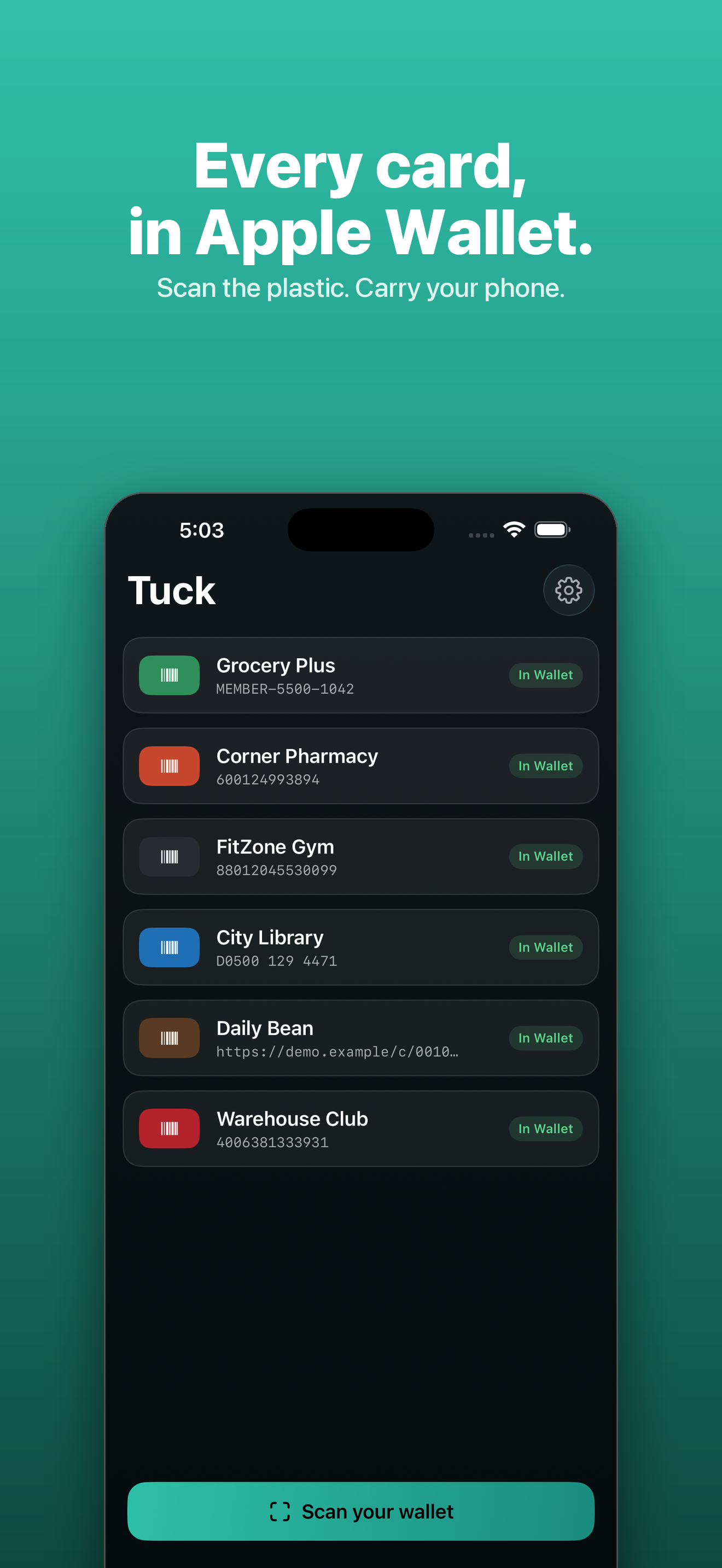
Point the camera and Tuck captures card after card, then adds them all to Apple Wallet in one tap.
Scan without stopping
Point the camera and Tuck captures card after card in one sitting — a whole wallet, not one at a time.
Add to Wallet in one tap
Review the cards together, name each one, and drop the whole batch into Apple Wallet at once.
Type it when scanning fails
Worn or damaged card? Enter the number by hand and Tuck builds the pass anyway.
Honest about what will scan
Apple Wallet supports four barcode types. Tuck maps your card to the closest one and tells you the truth about it.
Your original, always kept
Tuck keeps your card's photo and number as a backup, so a pass is never useless at the register.
Radically private
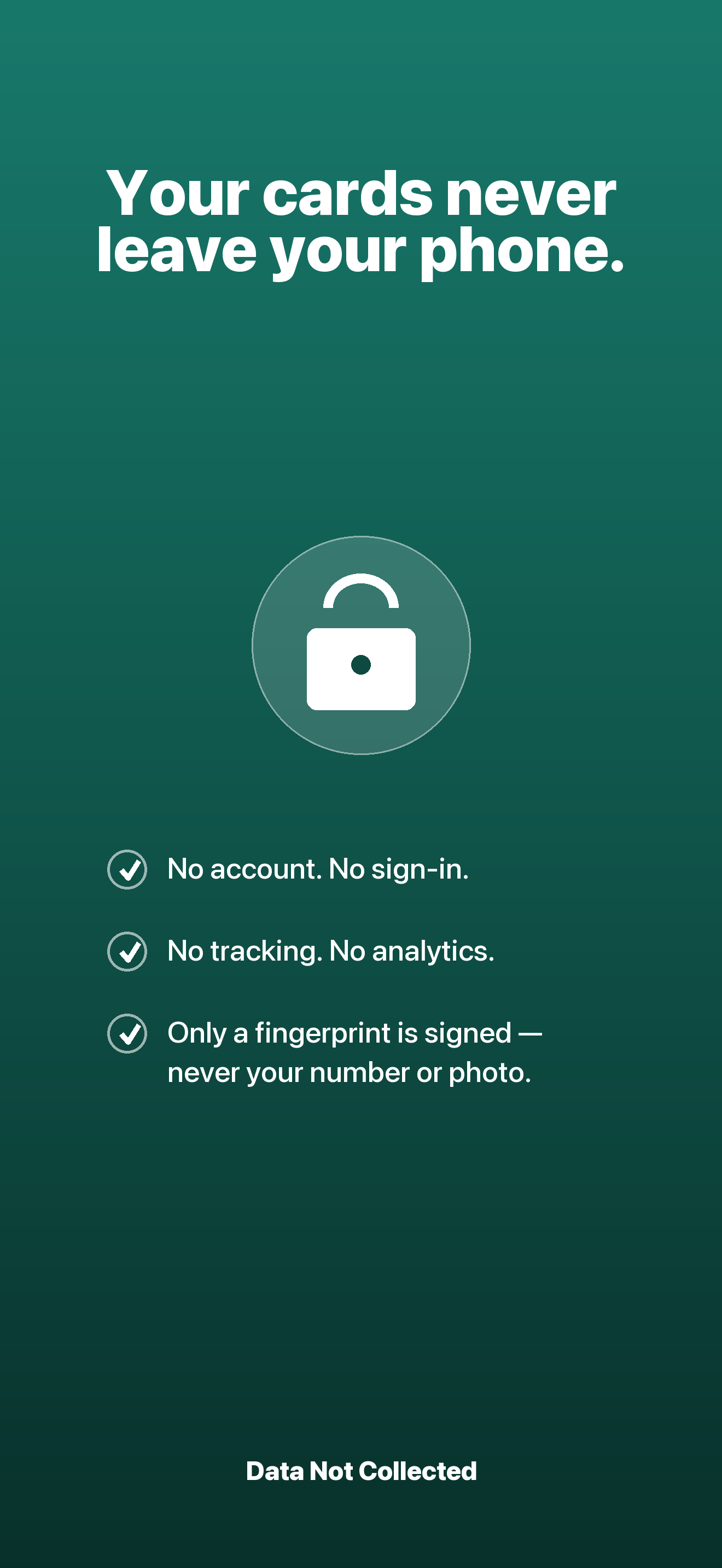
Numbers, photos, and names are saved only on your iPhone. No account, no sign-in, no analytics.
/// A look inside
/// How it works
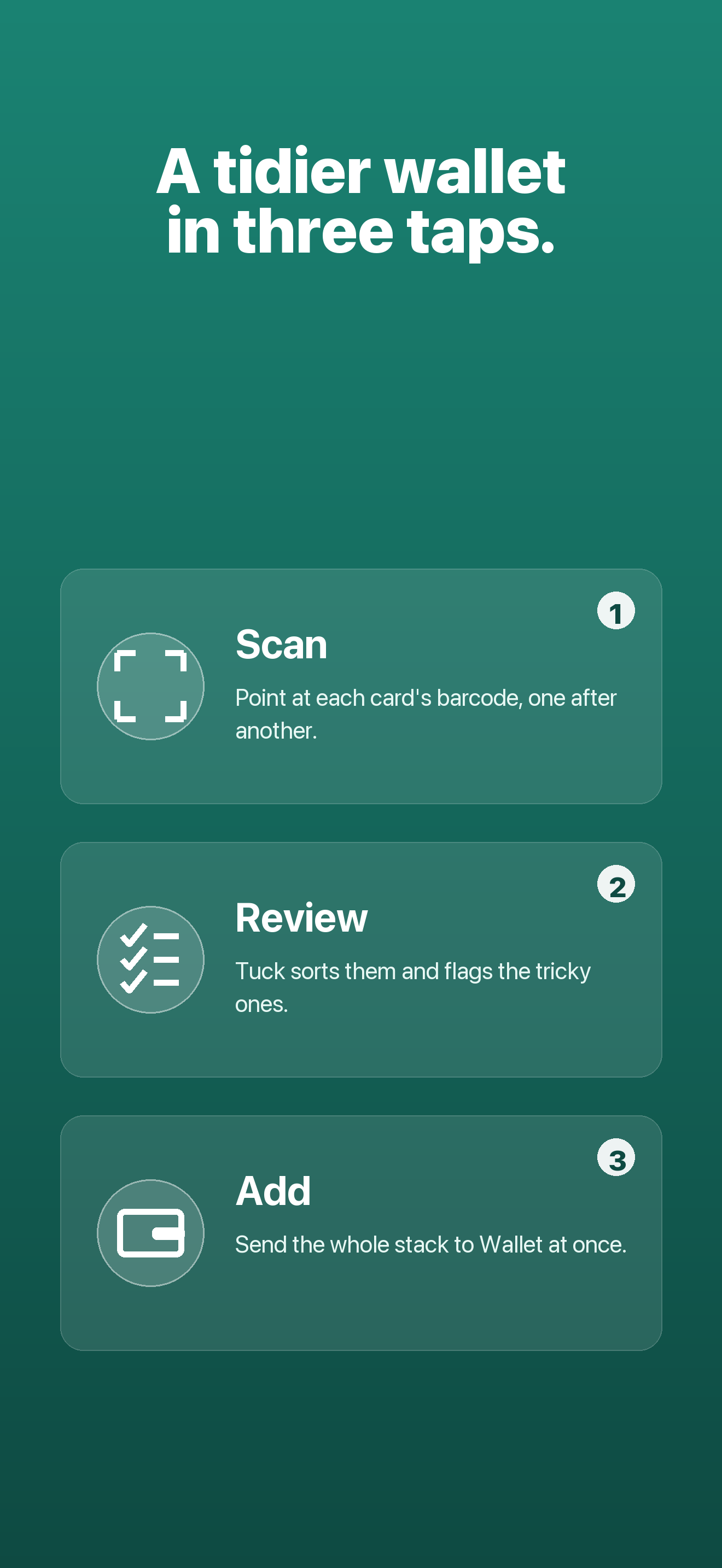
Three steps to an empty wallet.
- 1
Scan
Point your camera at each card's barcode. Tuck captures them one after another without stopping.
- 2
Review
See every card together, name them, and fix anything that didn't scan cleanly.
- 3
Add to Wallet
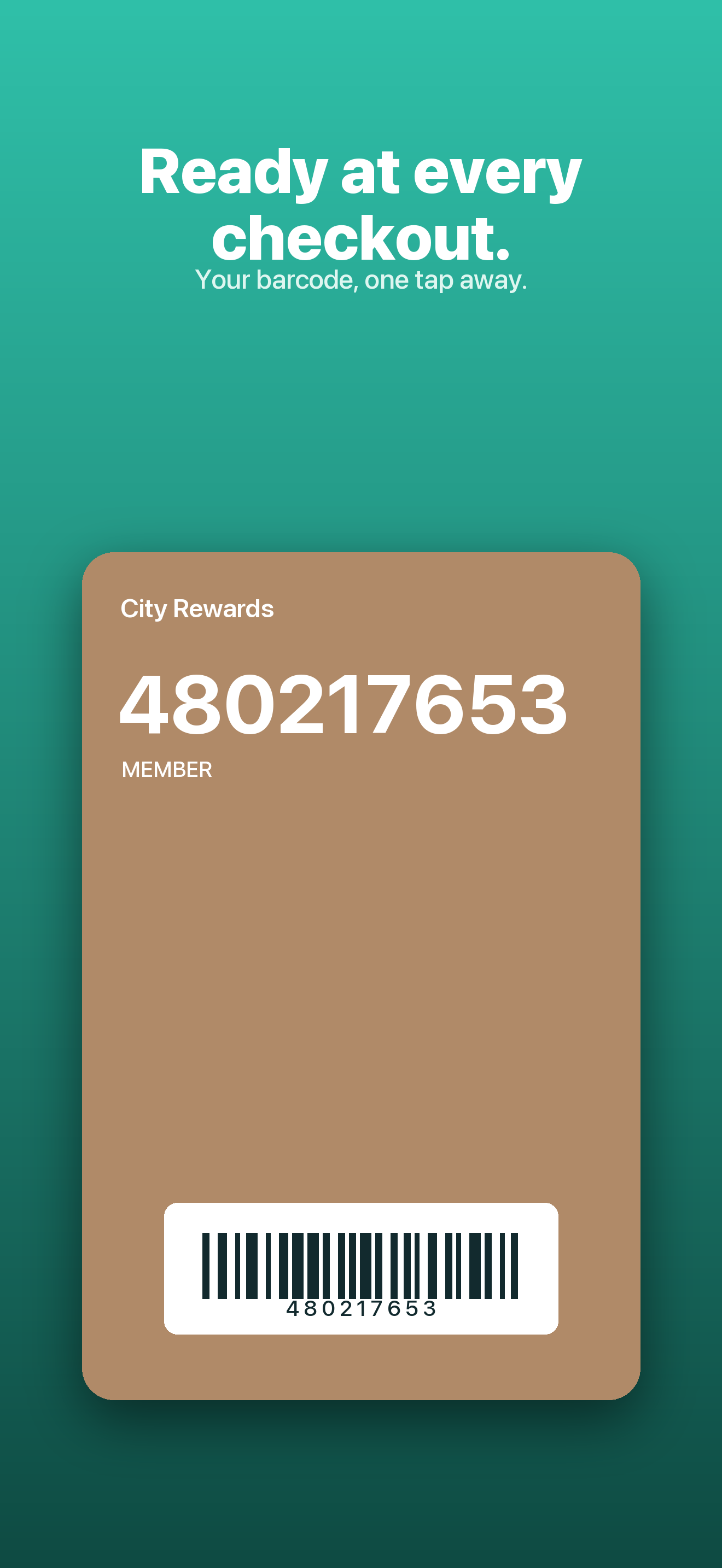
Tap once and the whole batch lands in Apple Wallet, ready at the register.
/// Pricing
One-time unlock, never a subscription.
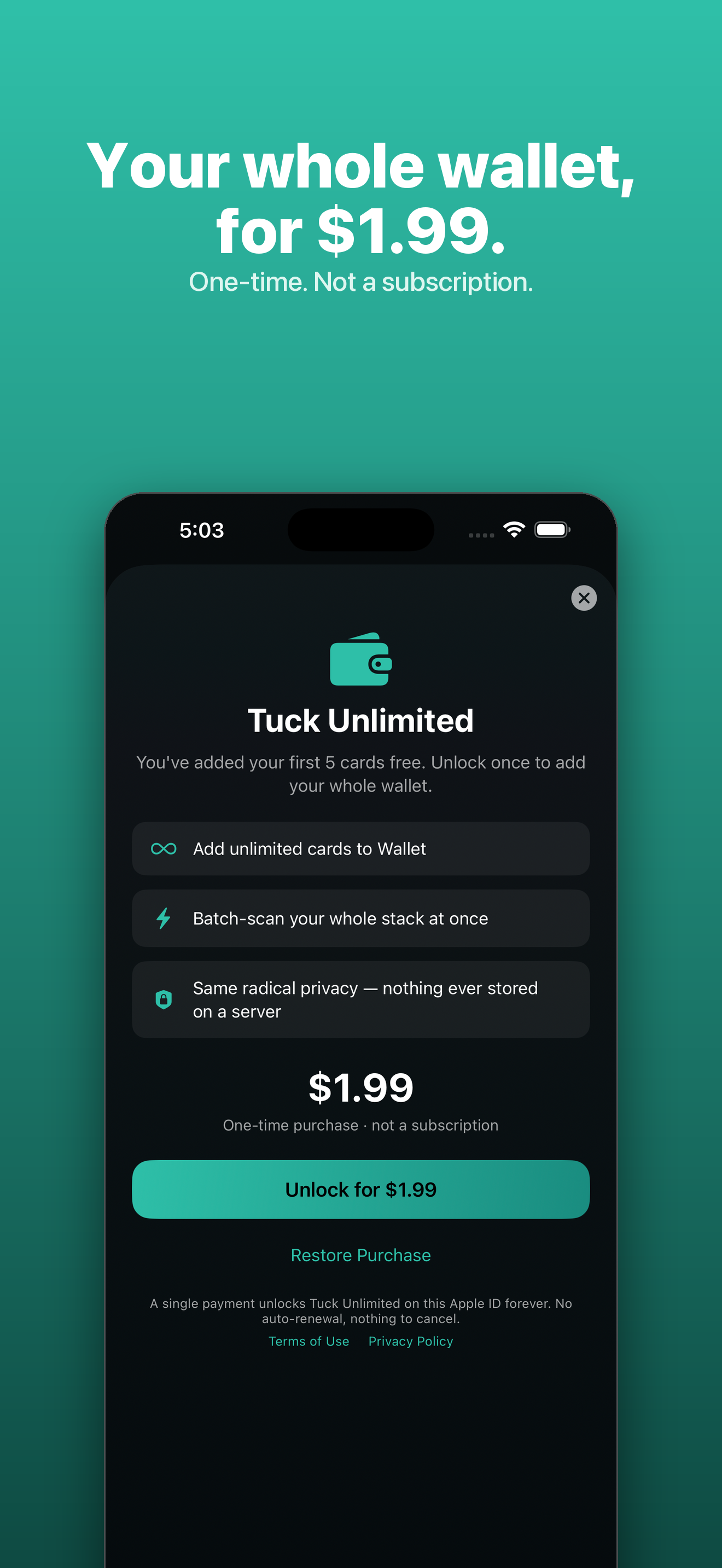
Add up to 5 cards free. Unlock Tuck Unlimited once for unlimited cards — a single purchase, yours to keep.
No subscription, no auto-renewal. Add up to 5 cards free before you decide.
What's included
- Unlimited cards in Apple Wallet
- Scan a full stack in one sitting
- Manual entry for worn cards
- Original card photo and number kept as backup
- No account, no sign-in, no tracking
- Everything stays on your iPhone
- One purchase, yours to keep
Secure purchase through the App Store.
/// FAQ
Good questions.
Where are my cards stored?
Only on your iPhone. Card numbers, photos, and names never leave your device. There is no account, no sign-in, no tracking, and no analytics.
If nothing leaves my phone, how does it create a Wallet pass?
Creating a pass needs an Apple signature. Tuck does this without ever sending your card — only a set of secure hashes leaves your phone, never the number, photo, or name. The signing service is open source.
Will every card scan at the register?
Apple Wallet supports four barcode types (QR, PDF417, Aztec, Code 128). Tuck re-encodes some retail barcodes to a supported format, which may not scan everywhere — keep your physical card as a backup.
Is it a subscription?
No. Add up to 5 cards free, then unlock Tuck Unlimited once for a single price. It never renews and it's yours to keep.
Put your wallet in your Wallet.
Scan your loyalty and membership cards, leave the plastic at home, and keep everything private on your iPhone.