A calm pause between you and the apps that pull you in.
Standstill adds gentle friction — not a wall — to the apps that steal your attention. Name a focus session, block what distracts you, take a breath, and stay in control. Pay once, no account.
- Pay once, no subscription
- No account, no server
- Private by design
/// The problem
Willpower alone loses to a well-designed feed.
The apps that pull you in are engineered to. A hard lock feels like a prison and gets deleted by lunch. What actually works is a moment of friction — just enough to remember what you meant to do.
The reflex reach
You open a distracting app without deciding to. By the time you notice, twenty minutes are gone and you never chose to spend them.
Hard blockers backfire
An unbreakable lock feels like punishment. You resent it, override it, or delete it — and you're back where you started.
The pull is designed
Infinite feeds are built to keep you scrolling. Fighting that with raw willpower is a losing game every single time.
/// Features
Friction, not force.
Standstill puts a deliberate beat between the reach and the scroll — so the choice stays yours.
Name your sessions
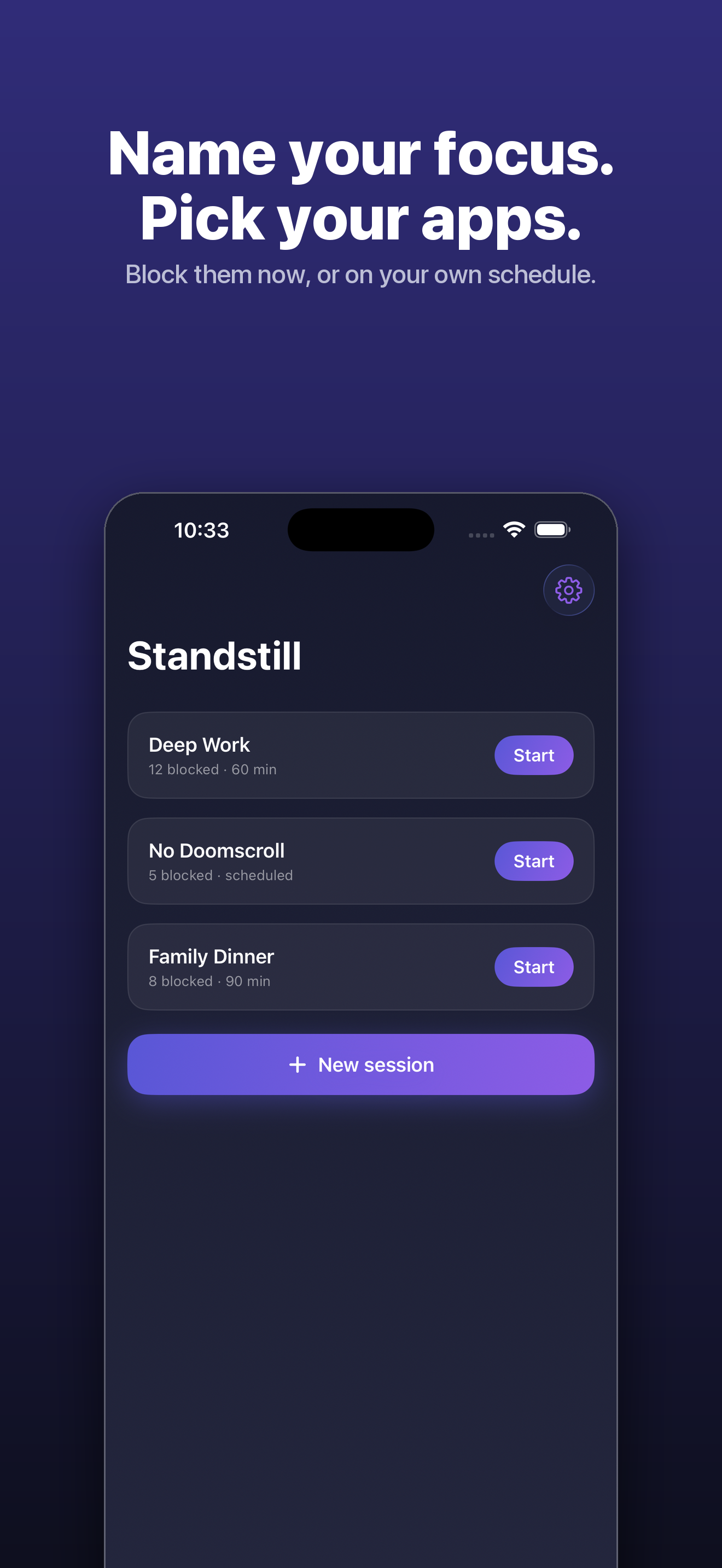
Pick the apps and categories to quiet, name the session — Deep Work, No Doomscroll, Family Dinner — and start it now or on a schedule.
A mindful pause, not a wall
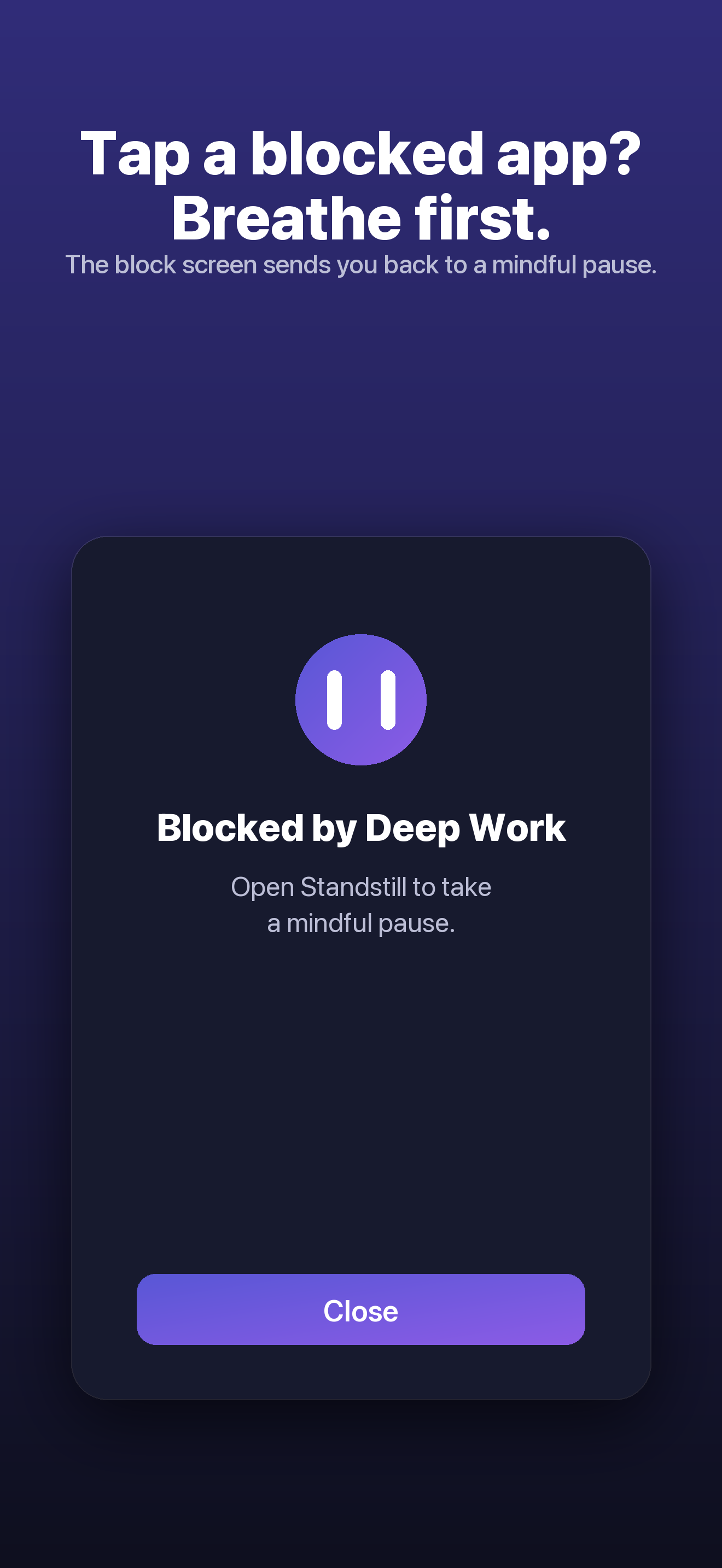
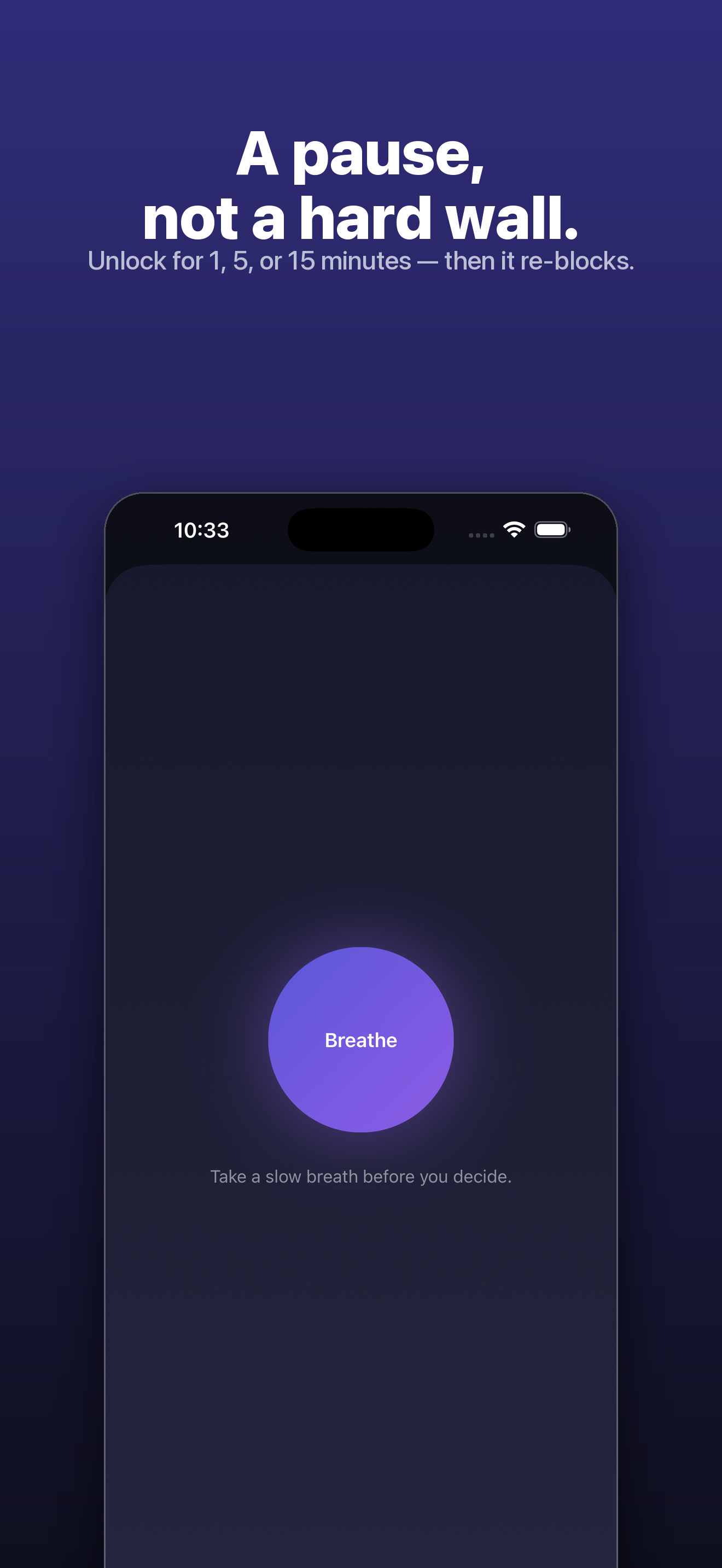
Reach for a blocked app and Standstill invites a slow breath before you choose a short unlock. That extra moment is often all it takes to put the phone back down.
Blocks even when closed
Sessions and schedules keep enforcing in the background — Standstill doesn't need to be open to keep working.
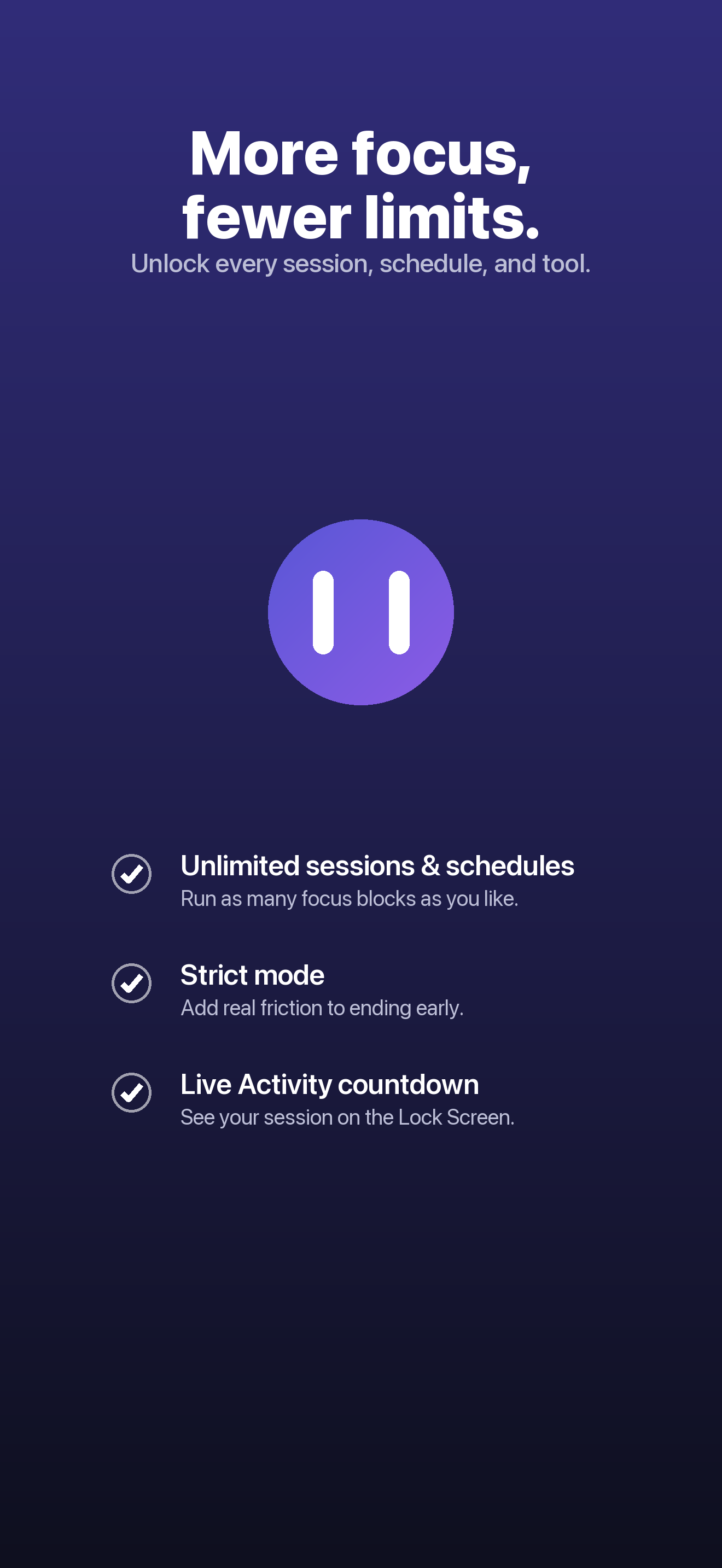
Strict mode
Add real friction to ending early: a typed phrase and a short cooldown. Strong enough to help you keep your own promises — not an unbreakable lock.
Live Activity countdown
See your session's time remaining right on the Lock Screen and Dynamic Island, so you always know where you stand.
Private by design
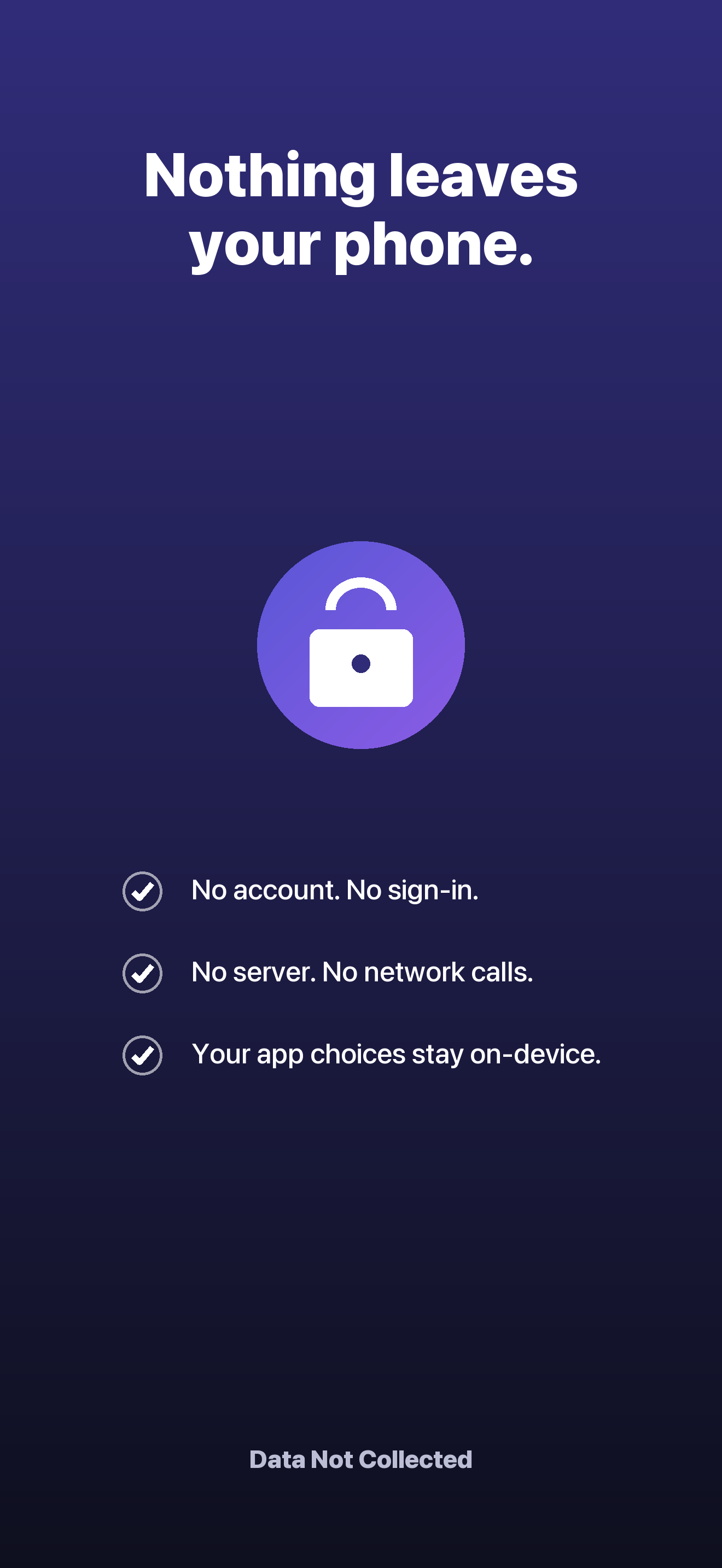
No account, no server, no tracking. Standstill never even learns which apps you chose — Apple's Screen Time keeps them private on your device.
/// A look inside
/// How it works
Three steps to a calmer phone.
- 1
Name a session
Choose the apps and categories to quiet, give the session a name, and start it now or on a schedule.
- 2
Take the pause
When you reach for a blocked app, Standstill greets you with a calm breath instead of a feed — then lets you choose a short unlock if you truly need it.
- 3
Stay in control
Turn on strict mode and schedules to make focus the default. The friction is yours to set, and yours to keep.
/// Pricing
Pay once. No subscription, ever.
Start free with one session set and one schedule. Unlock everything with a single one-time purchase — no account, no auto-renewal.
Free forever with 1 session set + 1 schedule. Standstill Pro is a one-time purchase — not a subscription.
What's included
- Unlimited focus sessions and schedules
- Strict mode with typed phrase and cooldown
- Live Activity countdown on Lock Screen and Dynamic Island
- Mindful breathing pause before every unlock
- Background blocking that works when the app is closed
- No account, no server, no tracking
- One-time purchase — no subscription, ever
Secure purchase through the App Store.
/// FAQ
Good questions.
Is Standstill a subscription?
No. The free tier includes one session set and one schedule. Standstill Pro is a single one-time purchase of $9.99 that unlocks unlimited sessions and schedules, strict mode, and the Live Activity countdown — there's no auto-renewal.
Can I still open a blocked app if I really need to?
Yes. Standstill is a pause, not a prison. When you reach for a blocked app it invites you to take a slow breath, then choose a short unlock window if you decide you truly need it.
Does Standstill see which apps I block?
No. Your selections are handled by Apple's Screen Time as opaque tokens that stay on your device. There's no account and no server — Standstill itself never learns which apps you chose.
Does blocking work when the app is closed?
Yes. Once a session or schedule is running, Standstill keeps enforcing it in the background — you don't need to keep the app open.
Focus, on your terms.
Put a calm pause between you and the apps that pull you in. Pay once, keep your privacy, and stay in control.