Snap a receipt. Get every line item, automatically.
ReceiptVault scans paper and digital receipts, extracts every field, and organizes your spending by vendor, category, and month — so expense tracking takes seconds instead of evenings.
- On-device OCR
- Face ID locked
- Encrypted cloud sync
/// The problem
Expense tracking eats evenings — and whole weekends at tax time.
Paper receipts fade, spreadsheets fall behind, and reconstructing a month from memory is a losing game.
Faded thermal paper
Receipts you can barely read pile up in a drawer until the numbers on them are gone for good.
Endless retyping
Line by line into a spreadsheet — vendor, date, tax, total — the kind of work that quietly swallows an evening.
Quarter-end scramble
Mixed business and personal spending on one card, and no clean way to hand your bookkeeper what they need.
/// Features
From photo to usable expense record, in seconds.
Every field that matters lands in the right place — ready to search, group, and export. No retyping, no squinting.
Scan paper receipts
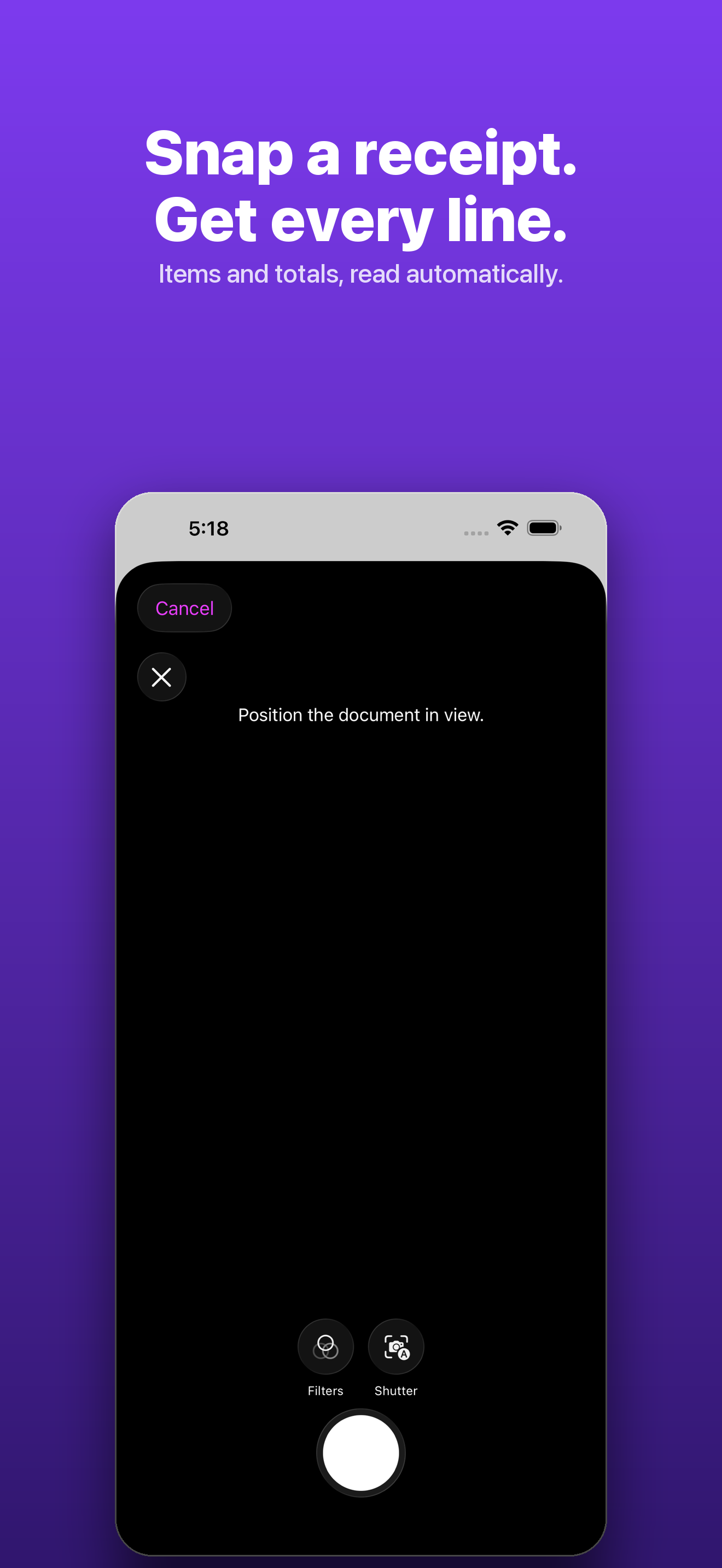
Open the camera and hold steady. On-device edge detection captures the receipt, and Apple Vision runs the text recognition right on your iPhone.
Automatic parsing
The extracted text is turned into a clean record: vendor, date, line items with quantities and unit prices, subtotal, tax, total, and payment method.
Import digital receipts
PDFs and images from Files, email screenshots, or receipts forwarded to a Gmail inbox — pull them in and parse them the same way.
Capture by voice
Forgot to photograph the gas pump? Hold the mic, say what you spent, and it structures your words into a receipt entry.
Upload a bank statement
A whole month of transactions extracted automatically. Account and card numbers are never stored — just vendor, date, and amount.
See where the money went
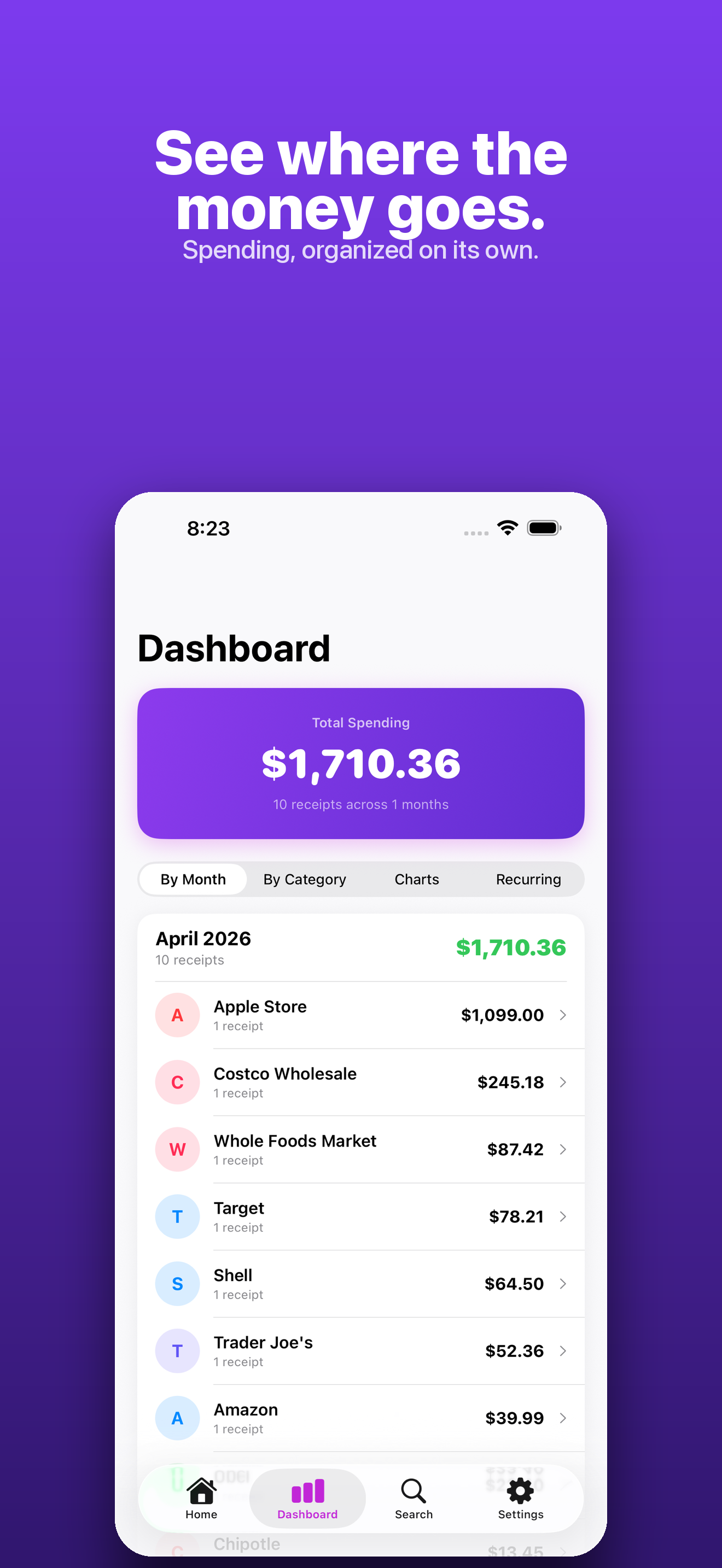
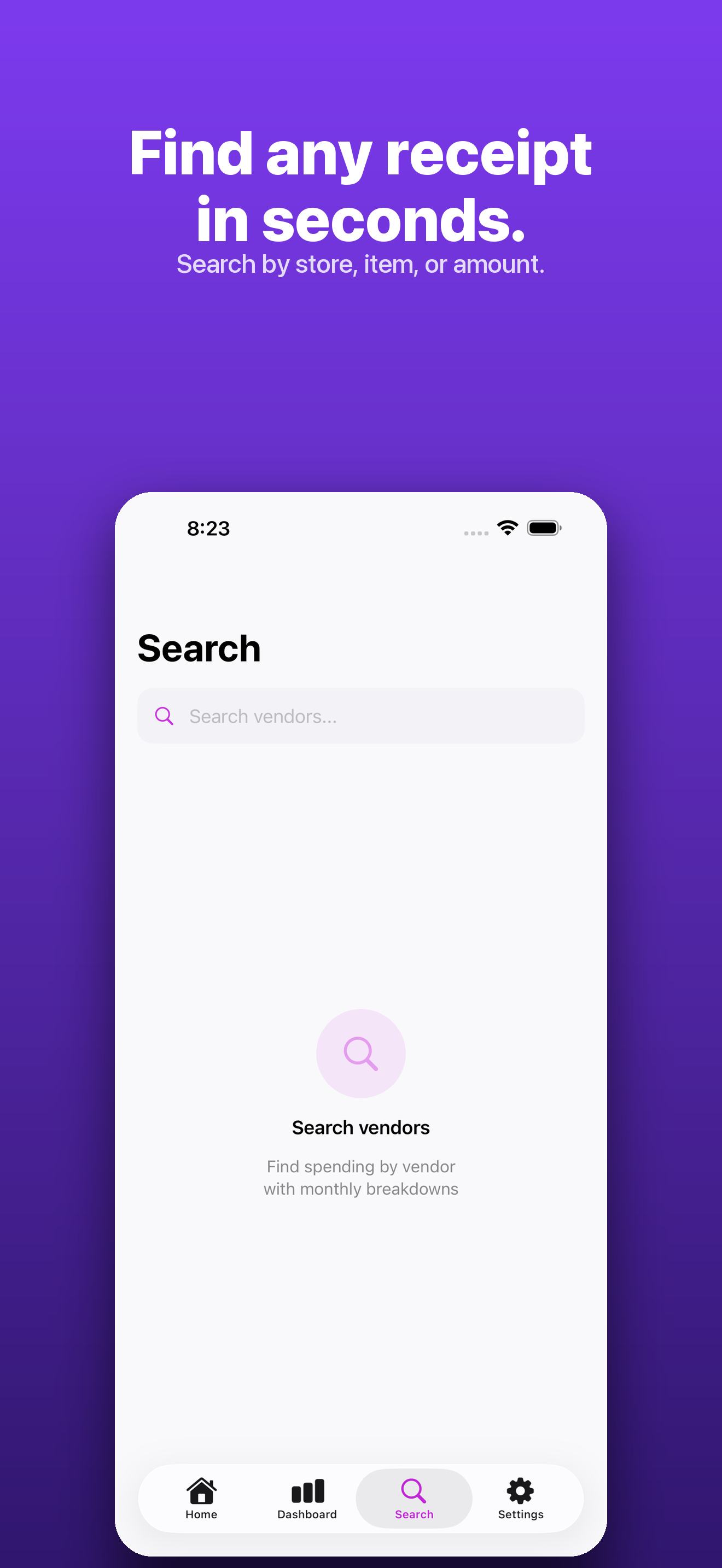
A dashboard that groups spending by month, category, and vendor with drill-down detail and full-text search across everything.
/// A look inside
/// How it works
Three steps to a clean expense record
- 1
Capture
Snap a photo, import a PDF, speak an expense, or upload a statement. On-device OCR reads the text before anything leaves your phone.
- 2
Parse
The text is structured into vendor, date, line items, tax, total, and payment method — the difference between a photo and a usable record.
- 3
Organize & export
Everything sorts by vendor, category, and month. Export CSV for spreadsheets, PDF for your accountant, or zipped images when you need them.
/// Pricing
Free to start. Pro when you scale.
Manual capture, the dashboard, and search are free forever. Pro unlocks automatic parsing for unlimited receipts plus bank-statement and email import.
Or $39.99/year — about 33% less than monthly. Free to download. Cancel any time from your Apple ID settings.
What's included
- Unlimited automatic receipt parsing
- Bank and credit-card statement import
- Email and PDF receipt import
- Voice capture and manual scan
- Monthly dashboard by vendor and category
- Full-text search and CSV / PDF export
- Face ID lock and encrypted cloud sync
Secure purchase through the App Store.
/// FAQ
Good questions.
Do my receipt images get uploaded?
No. Receipt images stay on your device. Only the OCR text — never the image itself — is sent to extract vendor, totals, and line items.
What's free versus Pro?
Manual scan, import, and voice capture, plus the dashboard and search, are free. Pro unlocks automatic parsing for unlimited receipts and bank-statement import, monthly or annual.
Is it safe to upload a bank statement?
Yes. A month of transactions is extracted automatically, and account and card numbers are never stored — only vendor, date, and amount.
How is my data protected?
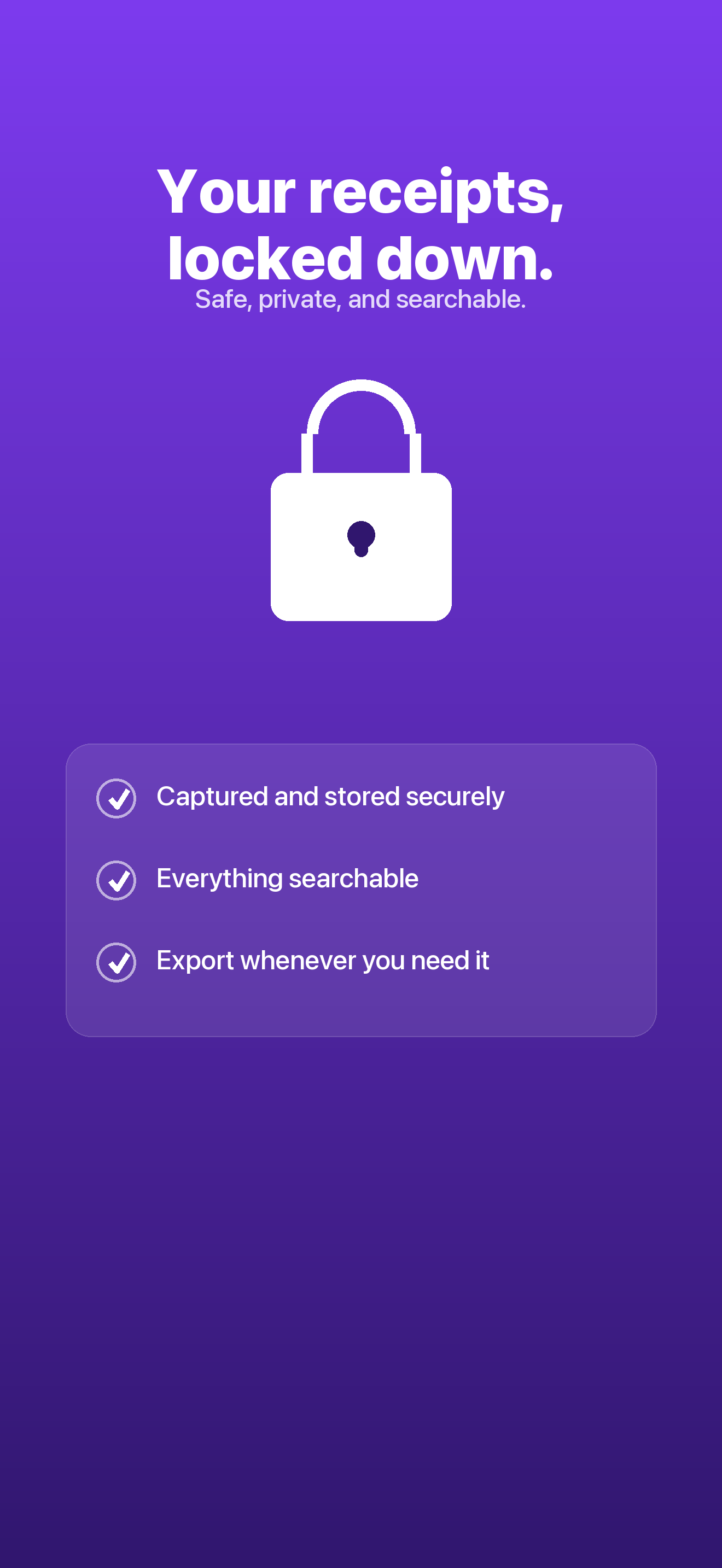
Your account is locked with Face ID or Touch ID, and all data is encrypted in transit and at rest with row-level security. You can delete your account and every receipt at any time from Settings.
Stop retyping receipts.
Snap, and let every line item land in the right place. ReceiptVault is free to download on iPhone running iOS 17 or later.