Raise your wrist. Ask anything.
A voice-first assistant that lives on your Apple Watch. Tap Ask, speak your question, and get a short, spoken answer in seconds — no phone in hand, no app-switching, no scrolling.
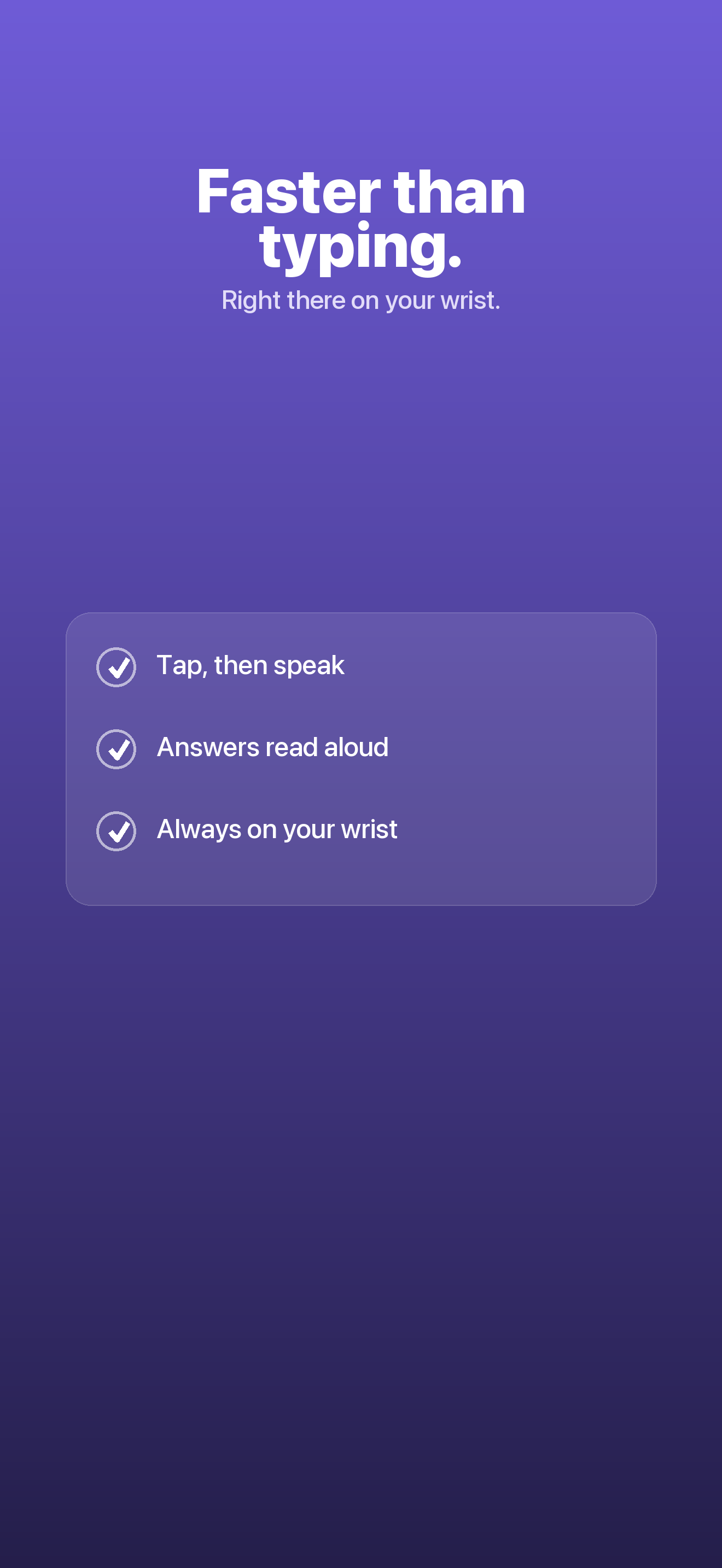
- One tap from the watch face
- Answers spoken aloud
- Works untethered on LTE
/// The gap
Too involved for a glance. Not worth pulling out your phone.
Some questions sit in an awkward middle — a quick conversion, a fast fact, a "how do I…". Reaching for your phone and opening a chat app is more effort than the answer is worth. Murmur closes that gap on your wrist.
The phone tax
Unlock, find the app, type, wait, read. Five steps for a one-line answer you needed five seconds ago.
Too small to type
A full chatbot crammed onto a watch means squinting and scrolling. That's not an answer — it's a chore.
Hands and eyes busy
Cooking, driving, mid-run — the moments you most want a quick answer are the ones where a screen is in the way.
/// What it does
One focused tool that answers, on your wrist.
Murmur is opinionated. It isn't a general chatbot squeezed onto a small screen — it's a little tool that does one thing well: spoken answers, eyes-free, in seconds.
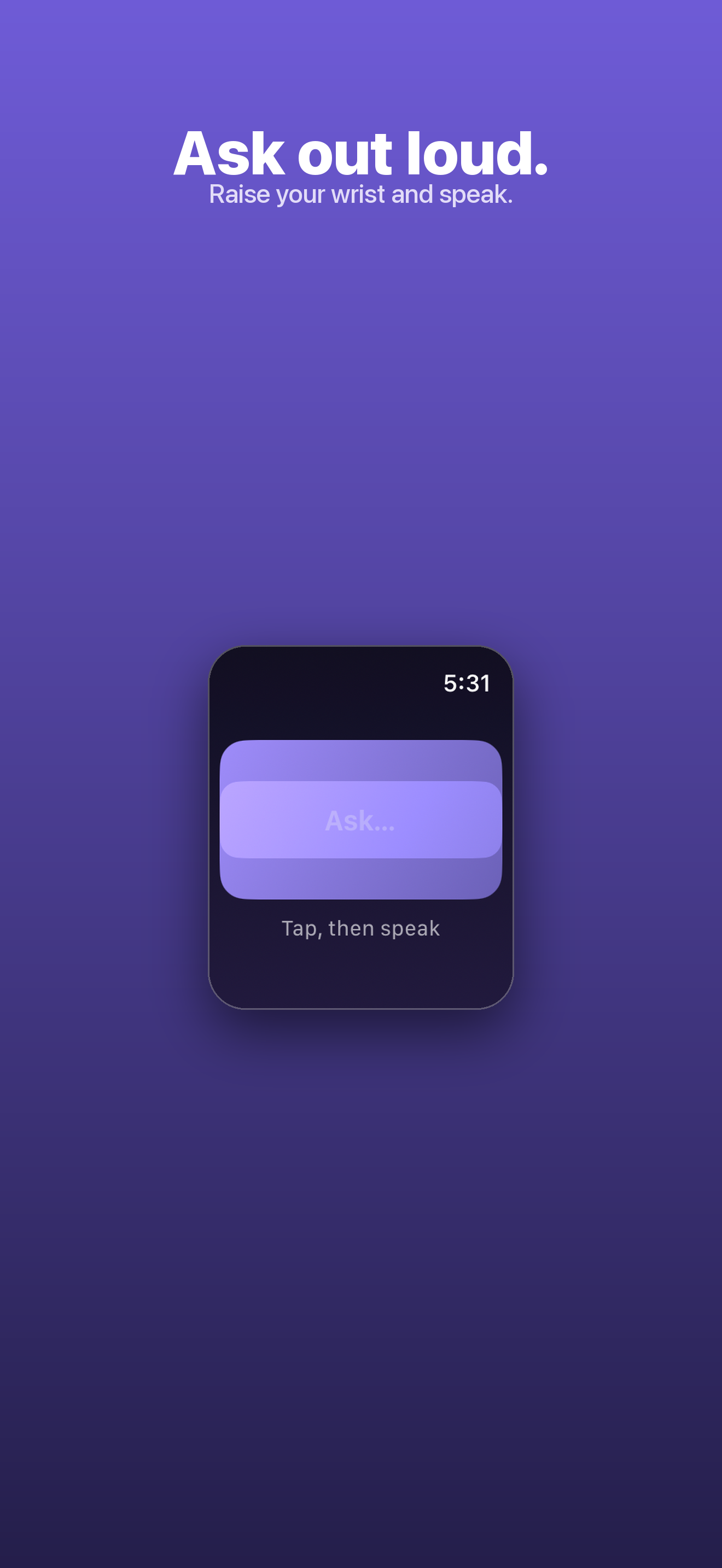
Ask out loud
Dictate your question with the watch's built-in dictation. Speak naturally — conversions, quick facts, "what's the difference between…" — and get a direct reply.
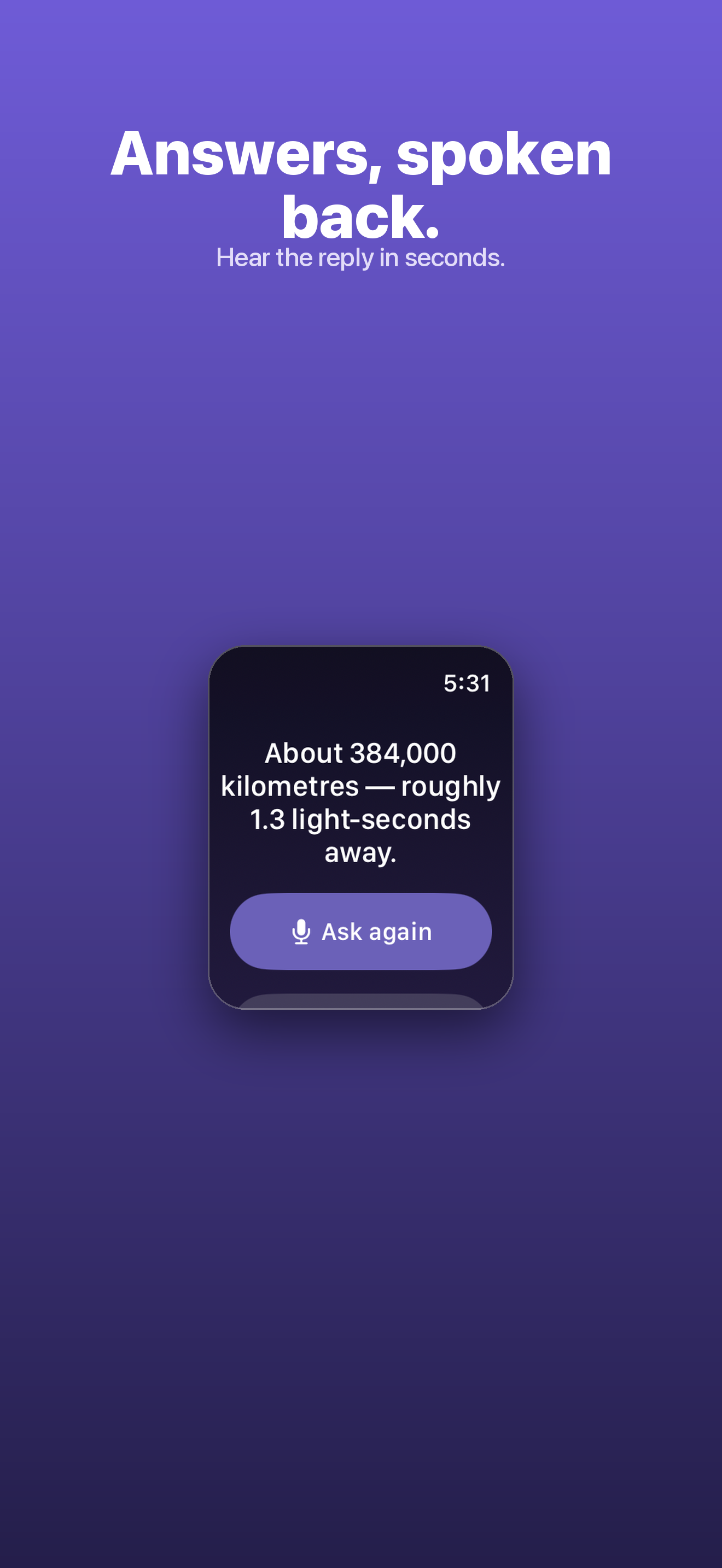
Answers read aloud
Every reply is 15 words or fewer, shown on screen and spoken out loud, so you can keep your eyes off the watch entirely.
One tap from the face
Add the complication and Ask is always a single tap from your watch face — no digging through apps.
Follow-ups keep the thread
Ask "what about in miles?" right after a conversion and it understands what you mean. No need to repeat yourself.
Untethered on LTE
Sign in once on the iPhone companion, then leave the phone behind. On an LTE Apple Watch you can ask from anywhere.
Private by design
Murmur uses watchOS system dictation, so it never asks for its own microphone. No tracking, no ads, no third-party analytics.
/// A look inside
/// How it works
Three steps, seconds each.
- 1
Raise and tap
Lift your wrist and tap Ask from the complication or the app. Murmur is ready to listen instantly.
- 2
Speak your question
Dictate what you want to know. Murmur sends it to a private server-side model and thinks for a beat.
- 3
Hear the answer
A short reply appears on screen and reads aloud — 15 words or fewer. Ask a follow-up or lower your wrist and move on.
/// Pricing
Free every day. Pro when you want more.
Get three answers a day at no cost, forever. When you want unlimited questions, Murmur Pro is a tap away.
Or $19.99/year. Free tier included: 3 answers a day, no card required. Subscriptions renew automatically unless cancelled at least 24 hours before the period ends — manage or cancel anytime in your Apple Account settings.
What's included
- 3 free answers every day, forever
- Murmur Pro: unlimited questions
- Spoken answers, 15 words or fewer
- One-tap complication on your watch face
- Follow-up questions that keep the thread
- Works untethered on an LTE Apple Watch
- No tracking, no ads, no third-party analytics
Secure purchase through the App Store.
/// FAQ
Good questions.
Do I need my iPhone nearby?
Only to sign in the first time, on the companion app. After that everything happens on the watch — and with an LTE Apple Watch you can leave the phone behind entirely.
Does Murmur need microphone permission?
No. It uses watchOS's built-in system dictation to capture your question, so it never asks for its own microphone access.
What happens to my questions?
The question you dictate is sent to a private server-side model to generate the answer. Only your account email and user id are collected, and only to sign you in — no tracking, no ads, no third-party analytics.
What do I get for free?
Three answers every day at no cost, forever. Murmur Pro unlocks unlimited questions for $2.99/month or $19.99/year.
Ask anything. From your wrist.
Available now on the App Store, built for Apple Watch with an iPhone companion app.