Read later. Own it forever.
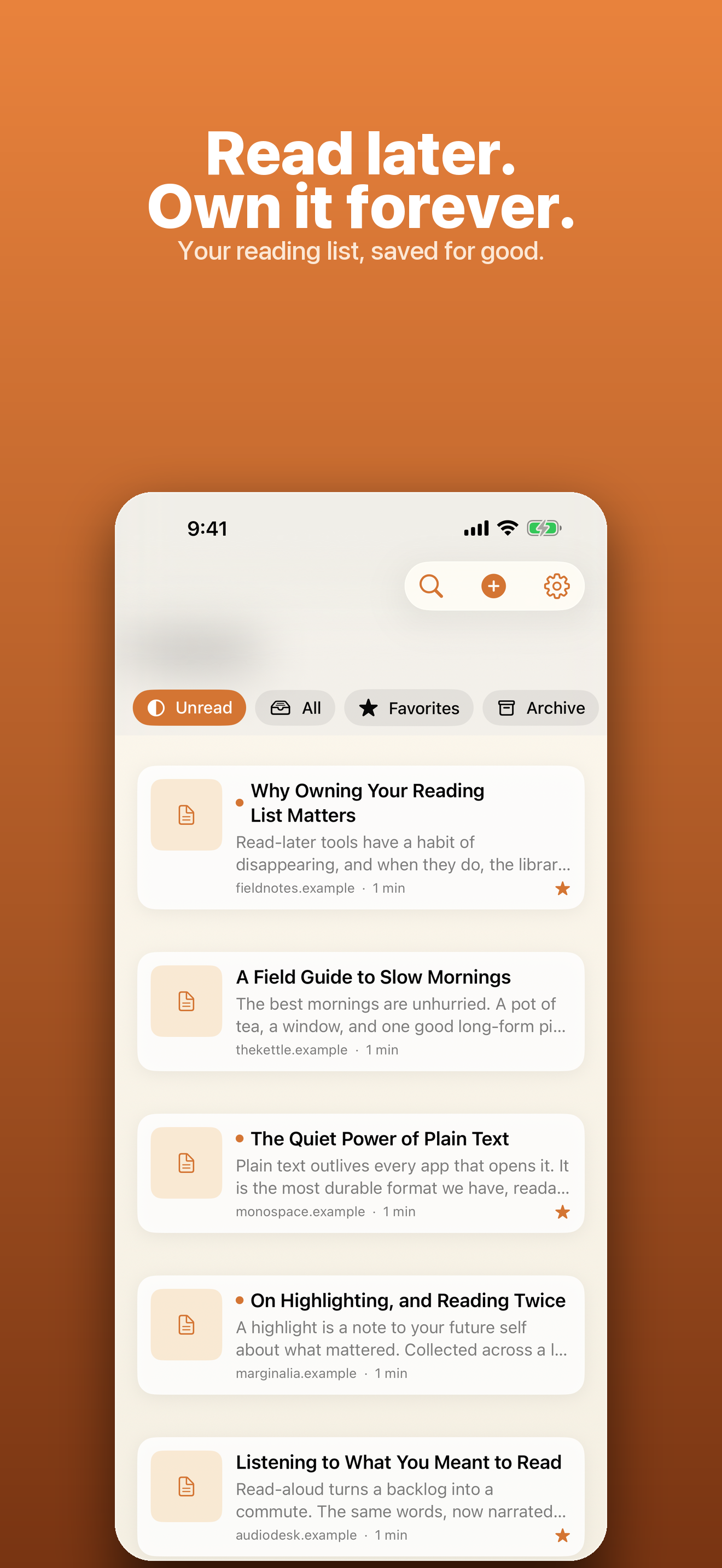
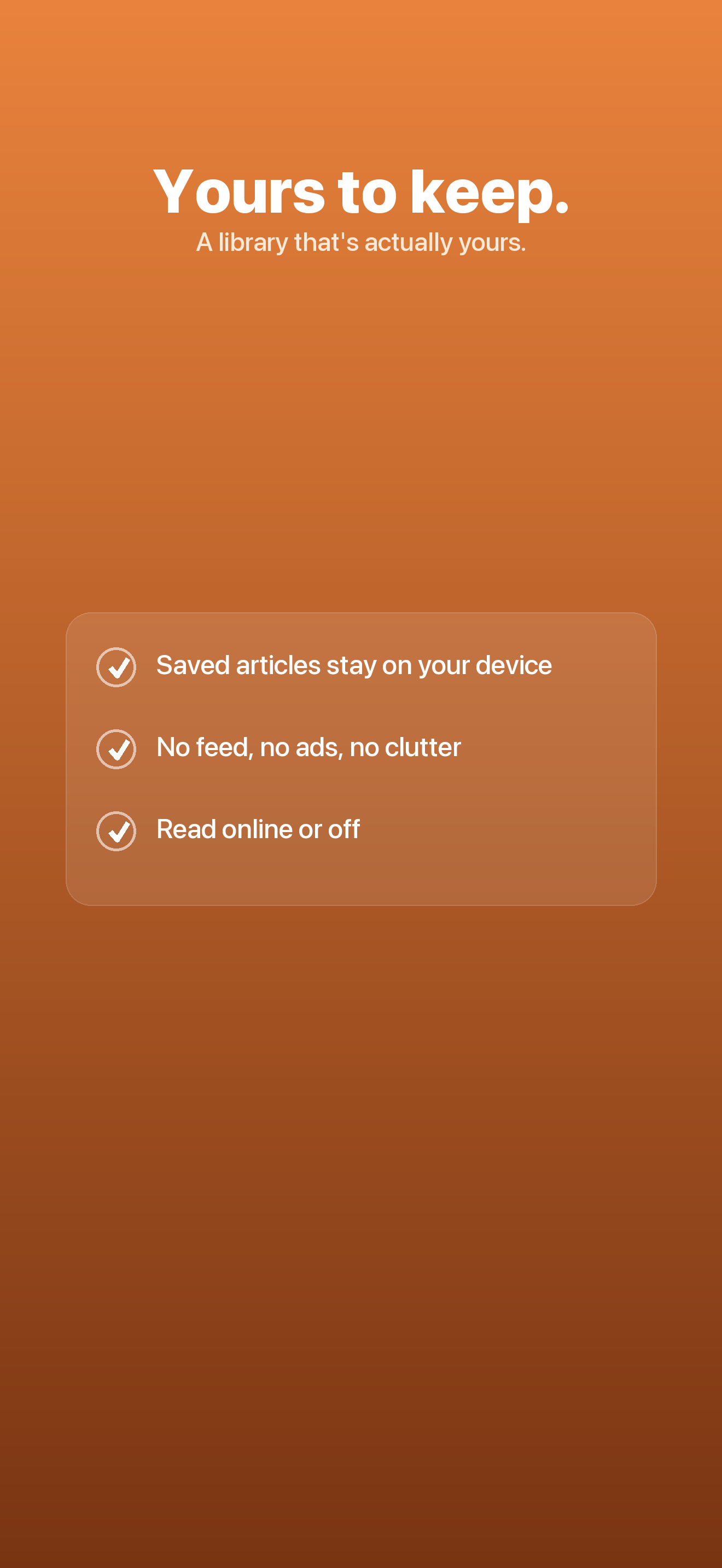
The read-later app that can't be shut down. Save full local copies you own — offline forever, synced through your own iCloud, with no account and no server.
- No account, ever
- Offline forever
- Nothing collected
/// The Problem
Your reading list keeps disappearing.
Bookmarks rot. Read-later services get acquired and shut down. The article you saved is behind a paywall, a dead link, or a login you no longer have. You never really owned any of it.
Dead links
A bookmark is just a pointer. When the page changes, moves, or goes offline, what you saved is gone.
Services vanish
Read-later apps get acquired and sunset on someone else's timeline — taking your whole library with them.
Never yours
Your reading lives on a server you don't control, readable and deletable by a company that isn't you.
/// Features
A reader you'll want to live in.
Harbor keeps a full, clean copy of every article on your device — not a bookmark, the whole thing. It works offline forever and syncs only through your own iCloud.
Save from anywhere
Share a link from Safari or any app, or paste a URL. Harbor downloads the page and turns it into a clean, readable article — yours offline, instantly.
Distraction-free reading
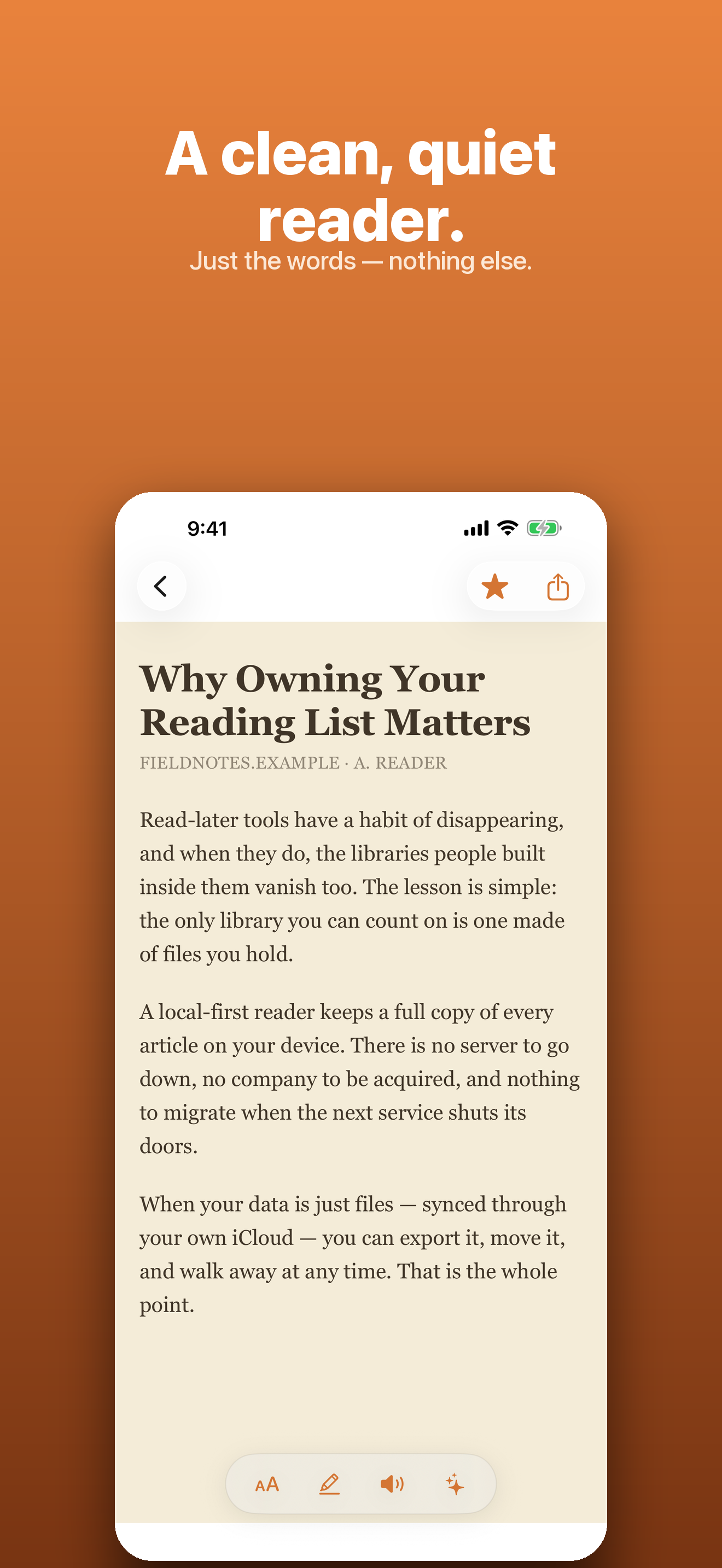
Beautiful typography with light, sepia, and dark themes. Adjustable font, size, and spacing, plus reading progress and highlights.
On-device summaries
One-tap summaries and auto-tags powered by on-device Apple Intelligence on supported devices — nothing ever leaves your phone.
Read-aloud, offline
Listen to any article with natural on-device voices. No streaming, no connection required.
Instant full-text search
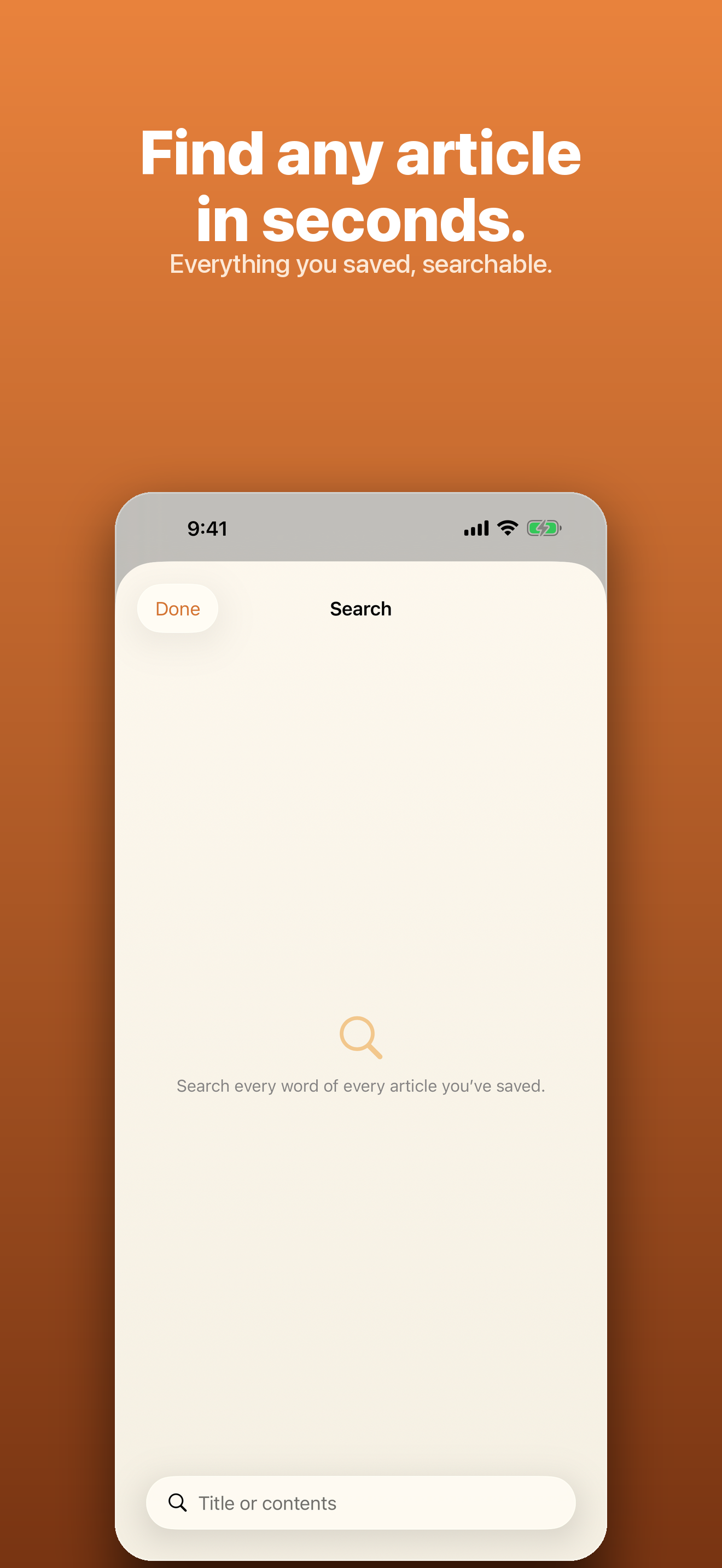
Search across everything you've saved, right on the device — even years-old articles, even offline.
Export your whole library
Write the entire library to HTML and Markdown anytime. It's just files you own — take them wherever you like.
/// A look inside
/// How It Works
Save it once, keep it for good.
- 1
Share or paste a link
Tap Share → Save to Harbor from Safari or any app, or paste a URL inside the app.
- 2
Harbor makes it readable
The page is downloaded and cleaned into a distraction-free article, stored in full on your device.
- 3
Own it offline, forever
Read, search, highlight, and listen anytime — synced through your own iCloud, with no account and no server.
/// Pricing
One-time unlock, never a subscription.
Save up to 20 articles free. Unlock Harbor Unlimited once — a single purchase, yours to keep. No account, no auto-renewal.
What's included
- Unlimited saved articles
- On-device summaries & auto-tags
- Read-aloud with natural voices
- Instant full-text search
- Export to HTML & Markdown
- Light, sepia & dark reading themes
- iCloud sync across your devices
Secure purchase through the App Store.
/// FAQ
Good questions.
Do I need an account?
No. Harbor has no account and no server. Your library lives on your device and syncs only through your own iCloud — there's nothing to sign up for.
What happens if Harbor goes away?
Your articles are full local copies you own. Even if the app disappears, you can export everything to HTML and Markdown anytime and keep it forever.
Does it work offline?
Completely. Every article is saved in full on your device, so reading, search, highlights, and read-aloud all work with no connection.
Is it really a one-time purchase?
Yes. Harbor Unlimited is a single $12.99 non-consumable unlock — never a subscription, no auto-renewal. Buy it once and it's yours.
Your reading list, finally yours.
Save full local copies you own — offline forever, synced through your own iCloud, with no account and no server. Available now on the App Store.