Record a meeting. Get a clean document.
One tap captures the conversation. Your phone handles the transcription. The output is a tidy summary with decisions and action items, ready to share.
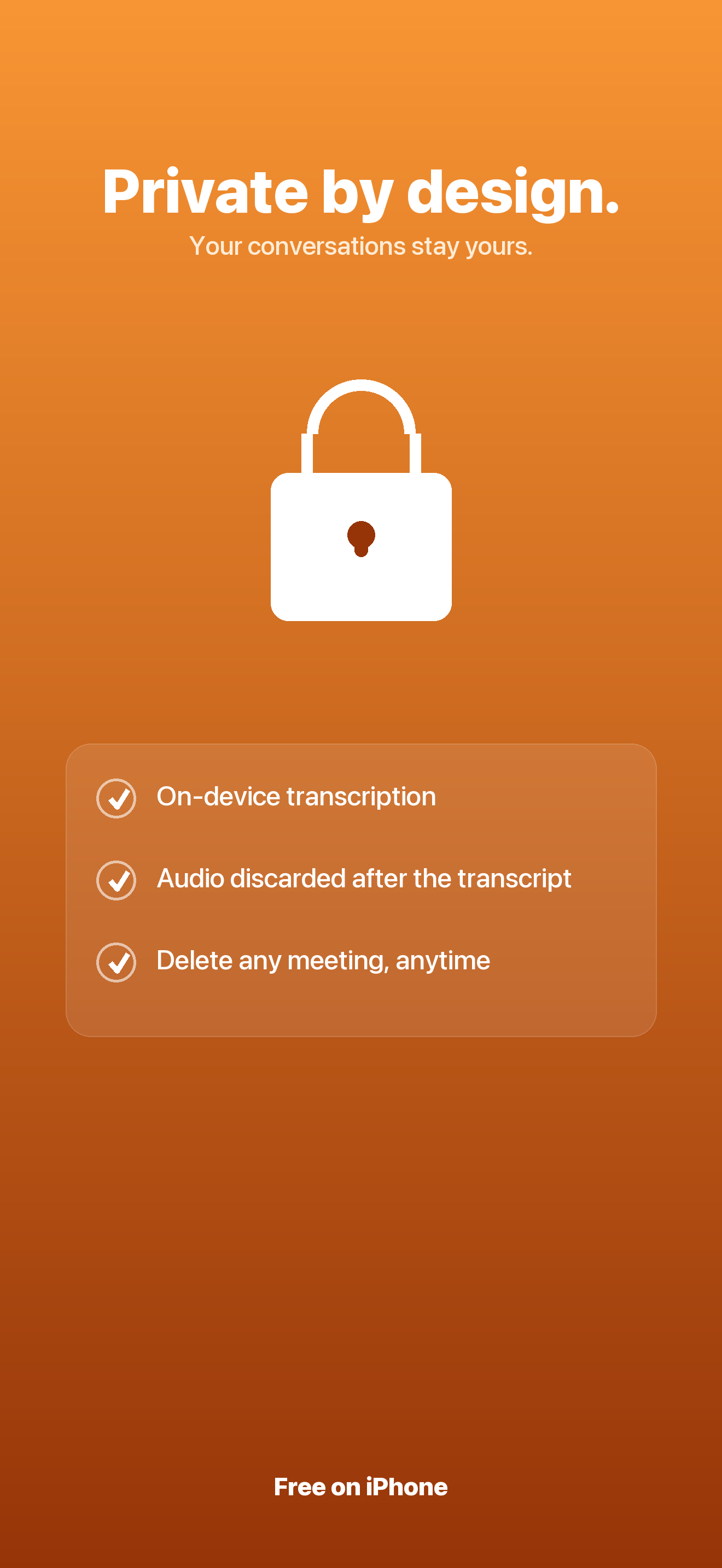
- On-device transcription
- Audio never uploaded
- Free on iPhone
/// The problem
Meetings end. The busywork begins.
Someone scrubs the recording, someone else rebuilds notes from memory, and the decisions that actually mattered blur into a thread of half-remembered details.
Scrubbing recordings
Replaying a 40-minute call to find the one thing that was decided is a task everyone puts off until tomorrow.
Notes from memory
By the time you write it up, the owners and deadlines are guesses. The action items that mattered most quietly fall off the list.
Uploading your audio
Most transcription tools ship your conversation to someone else's server before you get a single word back.
/// What you can do
Present in the room, organized after it.
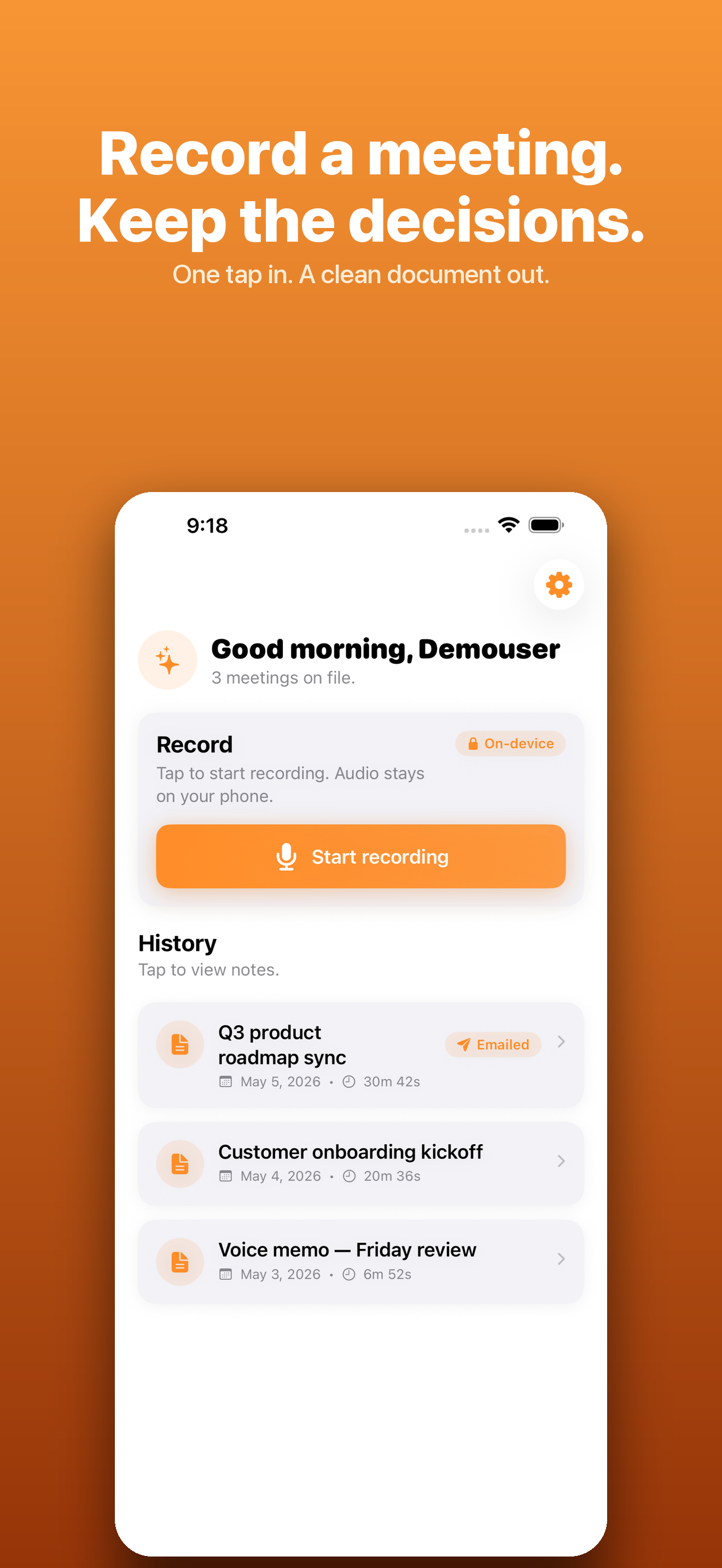
Tap record at the start, tap stop at the end, and a few seconds later you have a document you can actually send.
Capture any conversation
A large record button lives at the top of the home screen. It keeps going through screen locks and backgrounding, so a long meeting survives a stretched battery — up to sixty minutes per recording.
Transcribe on your device
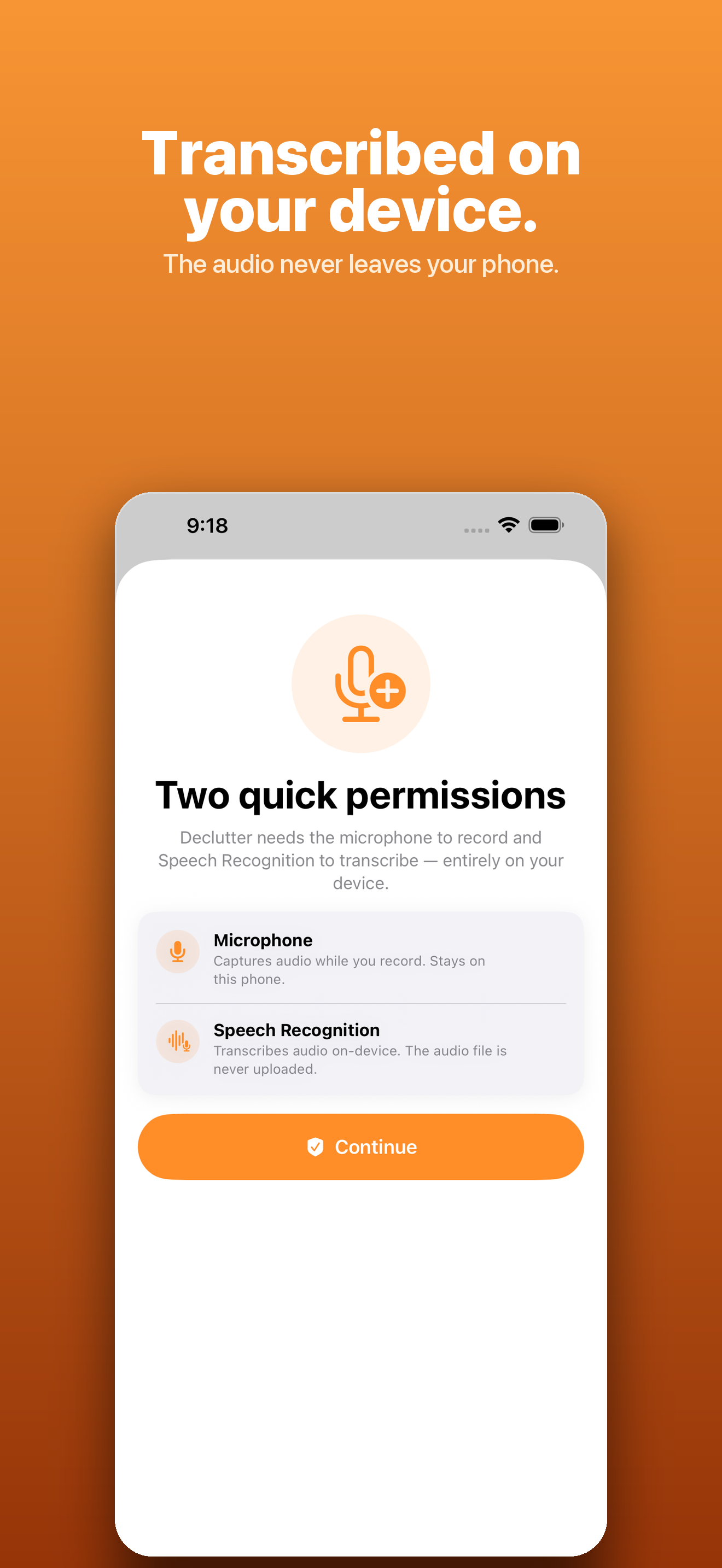
Speech is converted to text with Apple's on-device recognizer. The audio never leaves your phone, and the raw audio is discarded the moment the transcript is ready.
Get a structured document
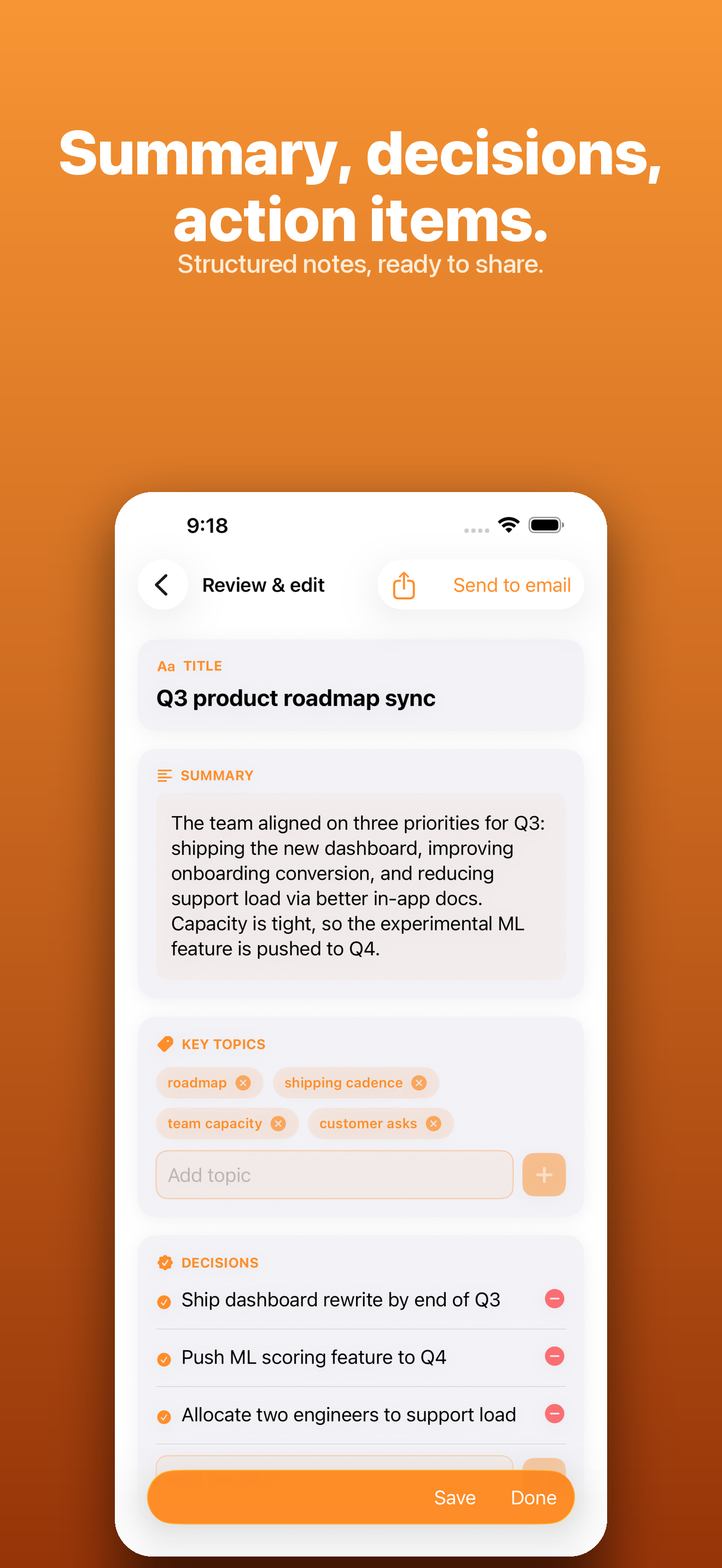
Only the transcript is sent for processing, and it comes back as a title, a short summary, the key decisions, every action item with its owner, and the topics covered.
Send it the way you work
Email the document to attendees, export it as a PDF, or copy it as Markdown. Sending is opt-in — Declutter never emails anyone without your explicit tap.
Browse a private history
Every meeting you save lives in your own history, grouped by day. Open any past meeting to revisit the formatted notes or share them again later.
Recover long recordings
A long meeting that hits an interruption isn't lost. Declutter chunks the work and offers to retry, so a dropped connection doesn't cost you the conversation.
/// A look inside
/// How it works
Three taps to a shareable document.
- 1
Tap record
Hit the record button as the conversation starts. Lock your phone, switch apps — the capture keeps running in the background.
- 2
Let your phone transcribe
When you stop, Apple's on-device Speech framework turns the audio into text. The raw audio is discarded as soon as the transcript exists.
- 3
Review, then share
Read the summary, decisions, and action items, edit anything you want, and email, export, or save it to your private history.
/// Pricing
Free on the App Store.
Declutter launches free on iPhone — no subscription, no in-app purchases, no trial to cancel.
No subscription. No in-app purchases. Every feature included for every user.
What's included
- Record meetings up to 60 minutes with one tap
- On-device transcription — audio never leaves your phone
- Structured summary, decisions, and action items
- Email, share, or export as PDF or Markdown
- A private history of every meeting you capture
- Long-recording recovery so a dropped session isn't lost
- Delete your account and every saved meeting anytime
Secure checkout by Gumroad. Instant download.
/// FAQ
Good questions.
Does my audio get uploaded?
No. Transcription happens on your device using Apple's Speech framework. The raw audio is never uploaded — only the resulting transcript text leaves your phone, and only to your own account. The audio is discarded as soon as the transcript is ready.
How long can a recording be?
Up to sixty minutes per recording. The capture keeps running through screen locks and backgrounding, and if a long meeting hits an interruption Declutter chunks the work and offers to retry so you don't lose it.
What do I actually get after a meeting?
A clean document: a title, a short summary, the key decisions, every action item with its owner, and the topics covered. You review and edit it before anything is saved or shared — nothing is sent automatically.
Is it really free?
Yes. Declutter launches free on iPhone with no subscription and no in-app purchases. Every feature is included for every user.
Stop transcribing. Start remembering.
Tap record, be present in the room, and walk out with a clean, organized document. Coming soon to iPhone.